Key Takeaways
- AI agents reason and adapt; RPA just follows rules. Pick based on how much judgment a task needs, not on which one sounds more advanced.
- RPA is still cheaper per run for high-volume, predictable work. Don’t rip it out because agents are trendy.
- The hidden cost of RPA isn’t the license, it’s the maintenance. Brittle bots break every time a system changes.
- The strongest setups use both: agents for the messy, judgment-heavy steps, RPA for the repetitive ones.
If you’re weighing AI agents for business against the automation tools you already run, you’re asking the right question at the right time. Gartner expects 40% of enterprise applications to ship with task-specific AI agents by the end of 2026, up from less than 5% a year earlier (Gartner). That’s a fast shift. But “everyone’s adding agents” isn’t a reason to replace what’s working. The real question is which type of automation fits which job, and where each one quietly costs you money. Let’s break it down the way we’d walk a client through it.
What AI Agents for Business Actually Are
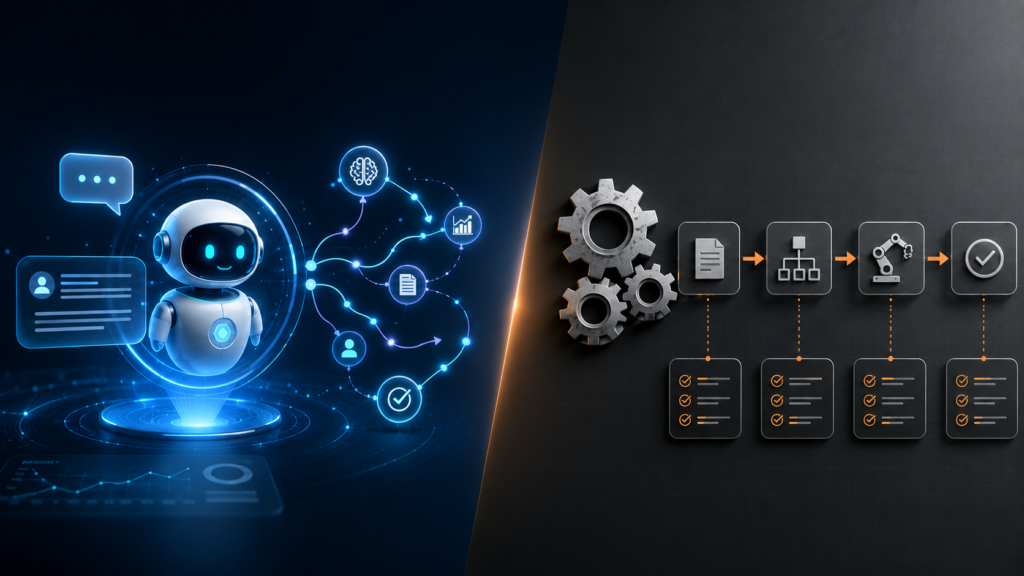
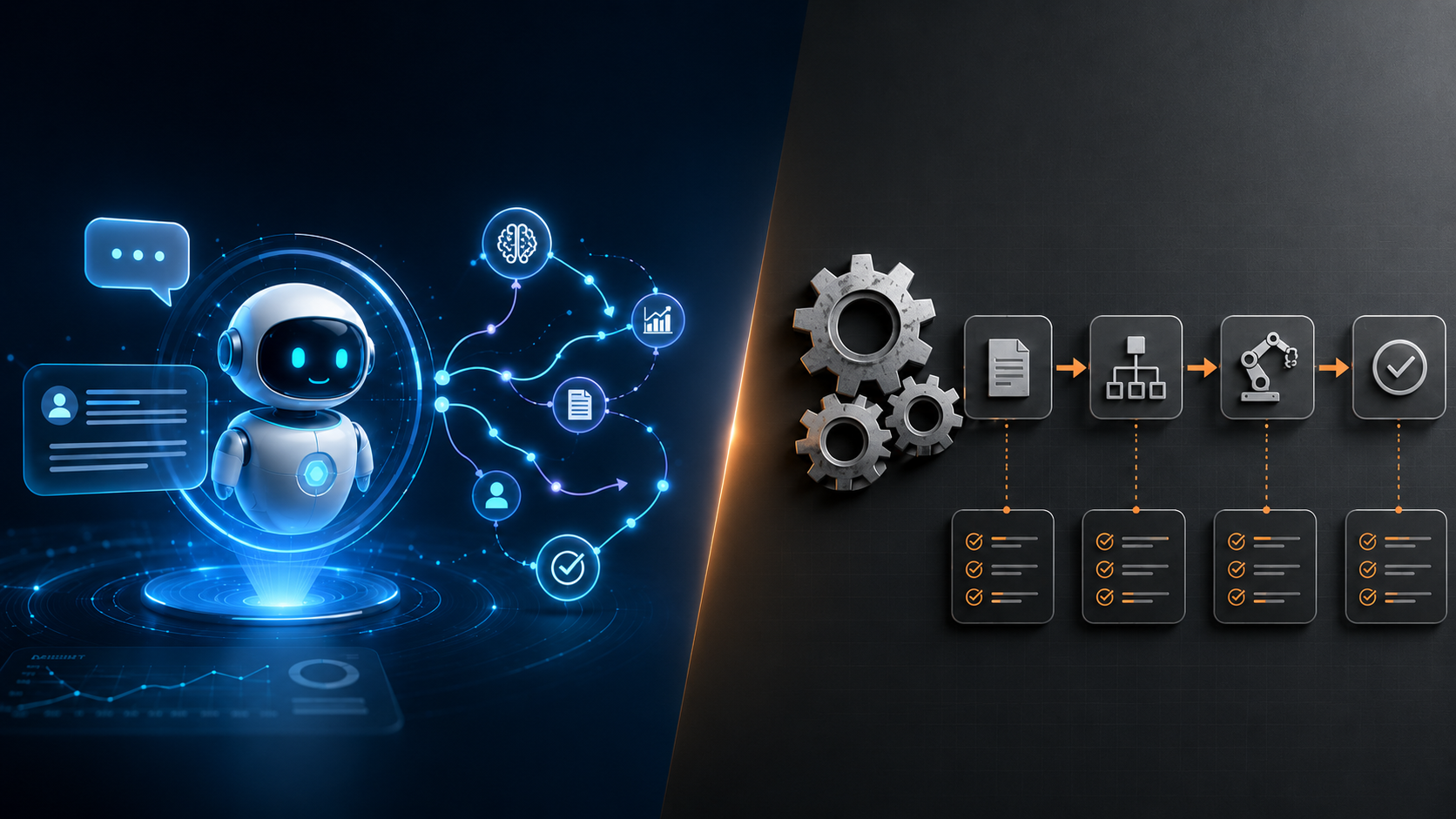
An AI agent perceives its environment, reasons about a goal, takes actions using tools, and adapts based on feedback. It does this in a loop, without step-by-step human instruction. That last part is the whole difference. You give it an outcome, not a script.
Traditional robotic process automation, or RPA, works the opposite way. You tell it exactly what to click, what to copy, and where to paste, in that order, every time. An agent can read a messy supplier email, figure out which invoice it refers to, pull the right record, flag the discrepancy, and draft a reply. RPA can only do that if every one of those steps looks identical on every run. The moment something shifts, an agent reasons around it and a bot trips over it.
Here’s the mental model we use: RPA is a very fast, very literal intern who follows instructions perfectly and panics the second reality doesn’t match the instructions. An agent is a junior analyst who understands the goal and improvises when the situation is unfamiliar. Both are useful. They’re useful for different things.
Traditional Automation (RPA): Strengths and Limits
RPA earns its keep on deterministic, rules-based work: form filling, data entry, invoice processing with consistent formats, moving records between systems on a schedule. It’s fast to stand up, predictable, and cheap to run once it’s live. For high-volume tasks where nothing changes, it’s hard to beat.
Now the part vendors skip over. RPA is brittle. It reads screens and follows fixed paths, so it has no real understanding of what it’s doing. Any change to the source system, a renamed field, a new pop-up, a tweaked layout, can break the automation overnight. And it can’t handle exceptions that need judgment. An unfamiliar invoice format doesn’t get reasoned through; it gets dumped into an error queue for a human.
That fragility shows up in the numbers. Industry analysts estimate that 30 to 50% of RPA projects fail to deliver the ROI they promised, mostly because of maintenance and process fragility (Duvo). And the maintenance bill is the real story. For every dollar spent on RPA licensing, enterprises often spend several more on consulting and upkeep just to keep the bots running as systems around them change. When teams budget for RPA, they price the license and forget the babysitting. That’s the mistake that turns a cheap automation into an expensive one.
Where AI Agents Win
Agents shine exactly where RPA struggles. Reach for them when the task needs one or more of these: interpretation of unstructured inputs like emails, documents, or images; multi-step reasoning with conditional branching; tool use such as web search, code execution, or API calls; and graceful handling of exceptions instead of hard failures.
The use cases that work well today are fairly consistent across the clients we see. Customer support triage and first-response drafting. Research assistants that pull and synthesize information from many sources. Code review bots that catch issues before a human looks. Document analysis pipelines that read contracts or claims and extract what matters. In each of these, the input varies every single time, which is precisely what kills a rules-based bot and what an agent is built to absorb.
There’s a second, quieter advantage. Because an agent understands intent rather than memorizing clicks, it tends to survive the small system changes that break RPA. A relabeled button doesn’t faze it. That resilience is part of why teams are moving toward agentic approaches for workflows that used to need constant bot maintenance.
AI Agents vs RPA: The Real Cost Comparison
This is where most comparisons get lazy, so let’s be precise. The sticker prices look very different, and the total costs look different again.
RPA enterprise licensing typically lands somewhere between $5,000 and $20,000 per user or bot per year, with unattended bots on platforms like UiPath or Automation Anywhere often running $8,000 to $15,000 annually before implementation and maintenance (AIMultiple). AI agents, by contrast, are usually billed on usage. A single complex task built on a modern large language model often costs anywhere from a fraction of a cent to a few cents in inference, depending on the model and how much reasoning it does.
So agents look dramatically cheaper. Sometimes they are. But read the fine print on both sides.
| Factor | Traditional RPA | AI Agents |
|---|---|---|
| Pricing model | Fixed annual license per bot or user | Usage-based, priced per task or token |
| Cost at high volume | Predictable and often cheaper per run | Scales with usage, can get expensive |
| Cost on complex, low-volume work | Poor fit, often needs human fallback | Strong fit, pays for itself in saved hours |
| Maintenance burden | High, breaks when systems change | Lower, adapts to small changes |
| Time to deploy | Fast for simple, defined tasks | Longer, needs testing and guardrails |
The honest takeaway: for high-volume routine tasks that never change, RPA usually stays cheaper. For low-volume, high-complexity work that needs judgment, agents win decisively, because the alternative isn’t a cheap bot, it’s a paid human doing the task by hand. Compare agents against the labor cost, not just the license, and the math often flips.
When AI Agents Are NOT the Right Call
Plenty of articles will tell you to put an agent on everything. Don’t. There are clear cases where an agent is the wrong tool.
If the task is genuinely deterministic and high-volume, syncing the same fields between two systems a thousand times a day, an agent adds cost and unpredictability for no benefit. Use a script or a bot. If the task demands perfect, auditable consistency with zero tolerance for variation, a rules engine you can read line by line is easier to certify than a model that reasons. And if you can’t yet put guardrails and human review around an agent’s actions, slow down. Only about 31% of enterprises actually have an AI agent running in production, and a big reason is governance: most organizations deploying agents don’t yet have a mature model for overseeing them (Gartner). An agent that can take real actions without oversight isn’t a productivity win, it’s a liability waiting to happen.
The other trap is reaching for an agent because it’s exciting. Excitement is not a business case. If a thirty-line script solves the problem, the script is the better engineering decision, full stop.
The Practical Recommendation
Match the tool to the nature of the work, not to the hype cycle. Use RPA for scheduled data sync, form submissions, and ERP data entry. Use AI agents for email triage, document analysis, customer inquiry handling, and code generation. And for the workflows that contain both predictable steps and judgment calls, which is most real workflows, use the two together.
That hybrid pattern is where we see the best results. Let RPA handle the rigid, repetitive plumbing and hand off to an agent the moment a step needs interpretation or a decision. The agent reasons through the ambiguous part, then passes control back to the deterministic pipeline. You get reliability where you need it and flexibility where you don’t.
How to Scope Your First AI Agent Project
If you’re starting from scratch, resist the urge to automate the biggest, scariest process first. Start where the value is obvious and the risk is contained.
Map your candidate workflows on two axes. One axis is volume: how often does this run? The other is variability: how much does each instance differ from the last? High-volume, low-variability work points to RPA. Lower-volume, high-variability work that currently eats your team’s hours points to an agent. The sweet spot for a first agent project is a task that’s annoying enough that people avoid it, variable enough that RPA can’t touch it, and bounded enough that a mistake won’t be catastrophic.
Then pilot small. Build one agent against one workflow, keep a human in the loop for the first few weeks, and measure two things: how often it gets the answer right, and how many hours it gives back. Those numbers tell you whether to expand or rethink. This is the exact approach we take with clients, and it’s why a focused pilot usually beats a sweeping rollout that nobody trusts.
Further reading: Anthropic Agents Docs | LangGraph Documentation | Asterdio Services
Frequently Asked Questions
What is the difference between AI agents and RPA?
RPA follows explicit rules to automate deterministic tasks. AI agents use language models to reason, handle ambiguity, use tools, and complete goals without step-by-step instructions. RPA is brittle but cheap to run; agents are flexible but carry inference costs. Short version: RPA repeats, agents decide.
Are AI agents for business more expensive than RPA?
It depends entirely on the work. Per task, an agent’s inference cost is often pennies, far below an RPA license. But agent costs scale with usage, so at very high volumes RPA can be cheaper. The fairer comparison is against the human hours you’re replacing, and on judgment-heavy work, agents usually come out ahead.
Can AI agents and RPA work together?
Yes, and that’s often the smartest design. RPA handles the rigid, repetitive steps while an agent takes over whenever a task needs interpretation or a decision, then hands control back. Most real workflows have both kinds of steps, so a hybrid setup tends to outperform either tool alone.
Is RPA dead now that AI agents exist?
No. RPA is still the better choice for high-volume, perfectly predictable tasks where you want auditable, line-by-line consistency. What’s changing is that the messy, judgment-heavy work people used to force RPA to do, badly, is moving to agents. RPA is shrinking to what it was always good at.
How do I know if my workflow is a good fit for an AI agent?
Look at variability. If every run of the task looks different, involves unstructured inputs, or needs a judgment call, it’s a strong agent candidate. If every run is identical and rules-based, it’s an RPA candidate. The tasks your team avoids because they’re fiddly and inconsistent are usually the best place to start.
What’s the risk of deploying an AI agent without oversight?
The big one is letting an agent take real actions, sending emails, moving money, updating records, without review or guardrails. Most organizations adopting agents haven’t built mature governance yet, which is why production deployment lags behind interest. Start with a human in the loop, log everything, and expand autonomy only once you trust the results.
How can Asterdio help?
Asterdio has hands-on experience delivering AI agents projects for startups, scale-ups, and enterprises. Book a free consultation to discuss your specific requirements.
Want to identify which workflows are candidates for AI agent automation? Asterdio can run a workflow analysis and build a pilot agent in weeks.